Nimbus is a free browser for Windows, built on Firefox. Your tabs sit on a watercolor that moves a little, and workspaces, link peek, a notebook and ad blocking come built in.
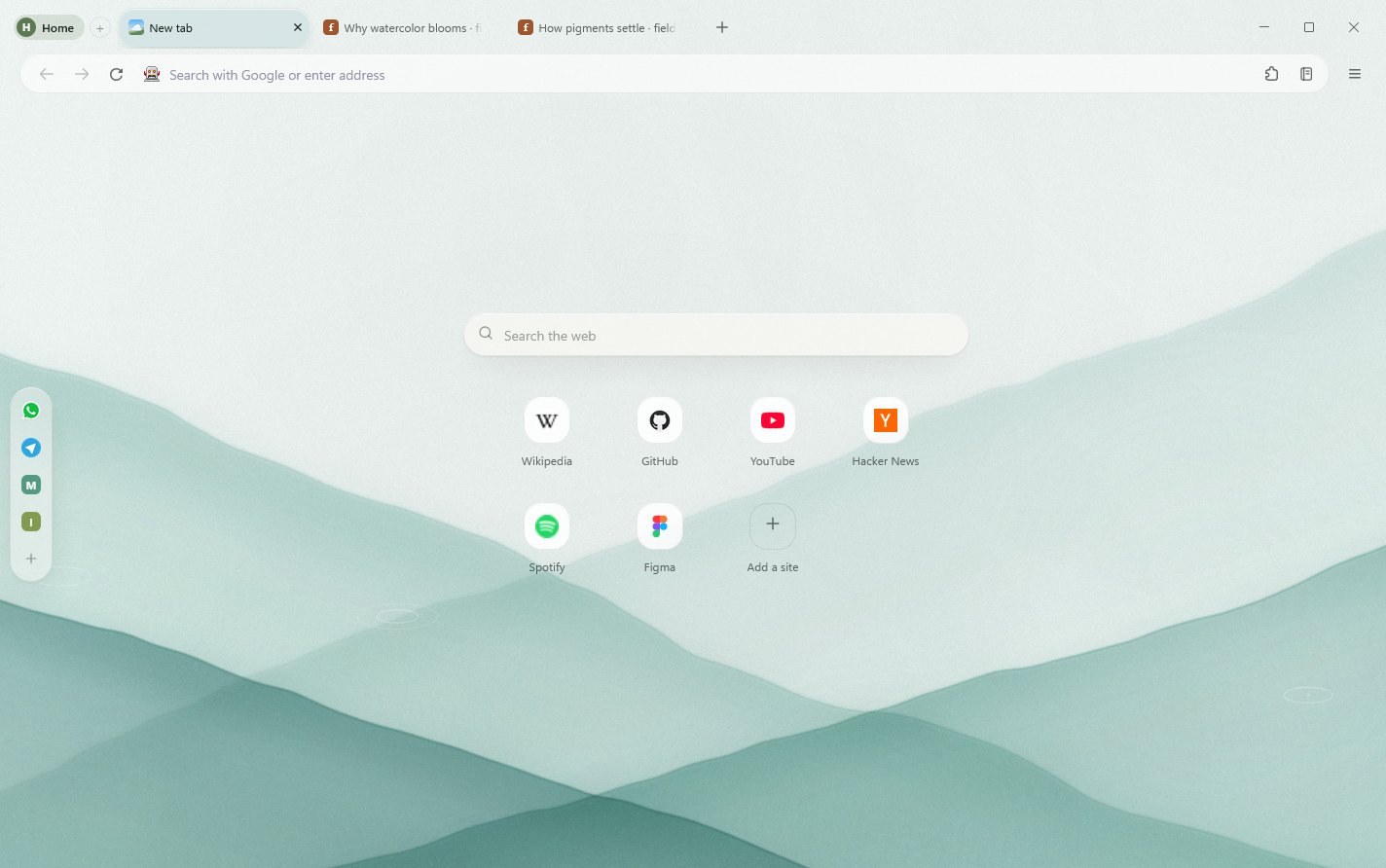
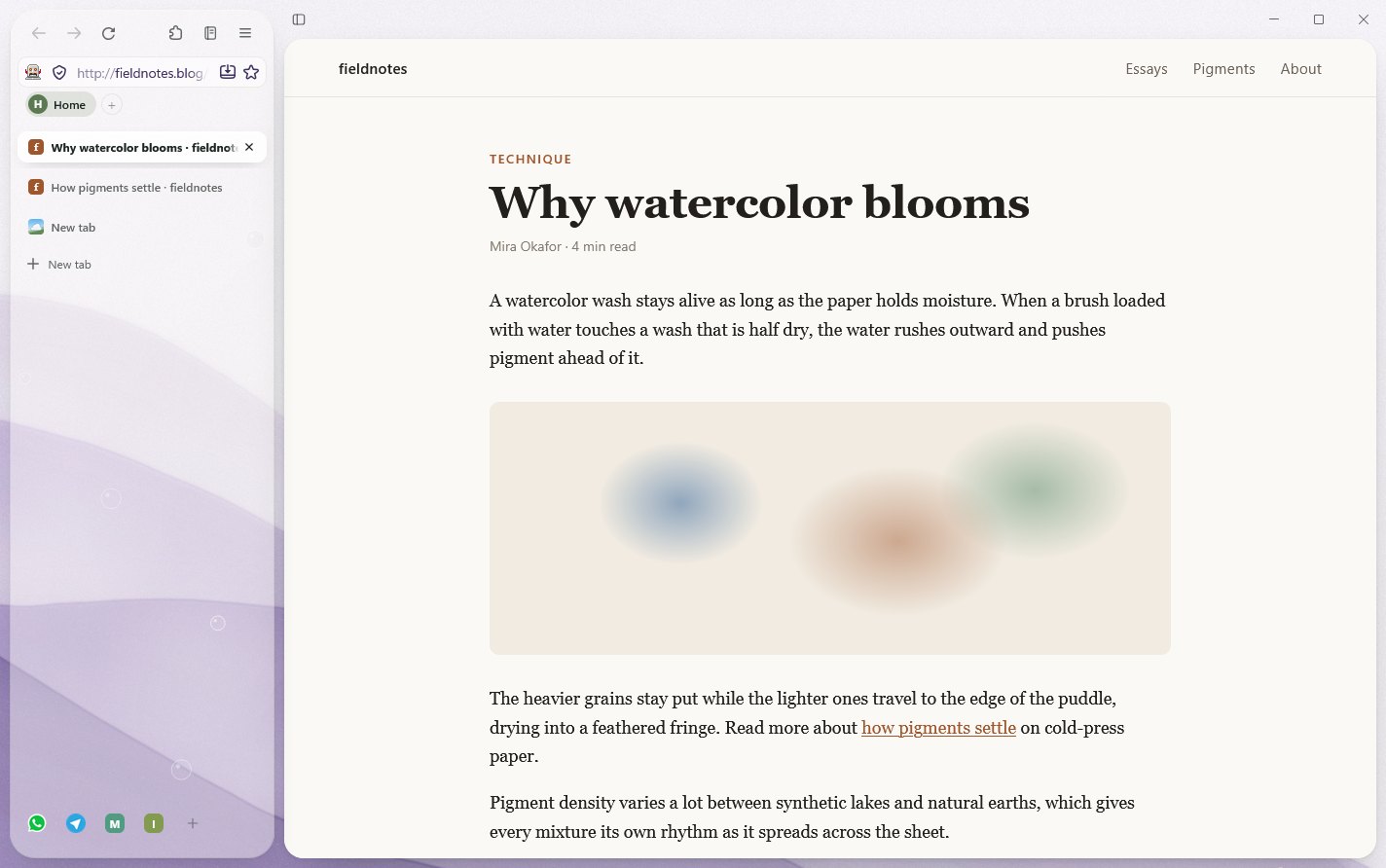
Keep your tabs in a row across the top — the bookmarks bar sits on the painting right alongside them — or in a sidebar that leaves the page wide. Compact shows icons only. With more tabs than fit, both layouts scroll. Ctrl+\ hides everything but the page.
Shown in Sage
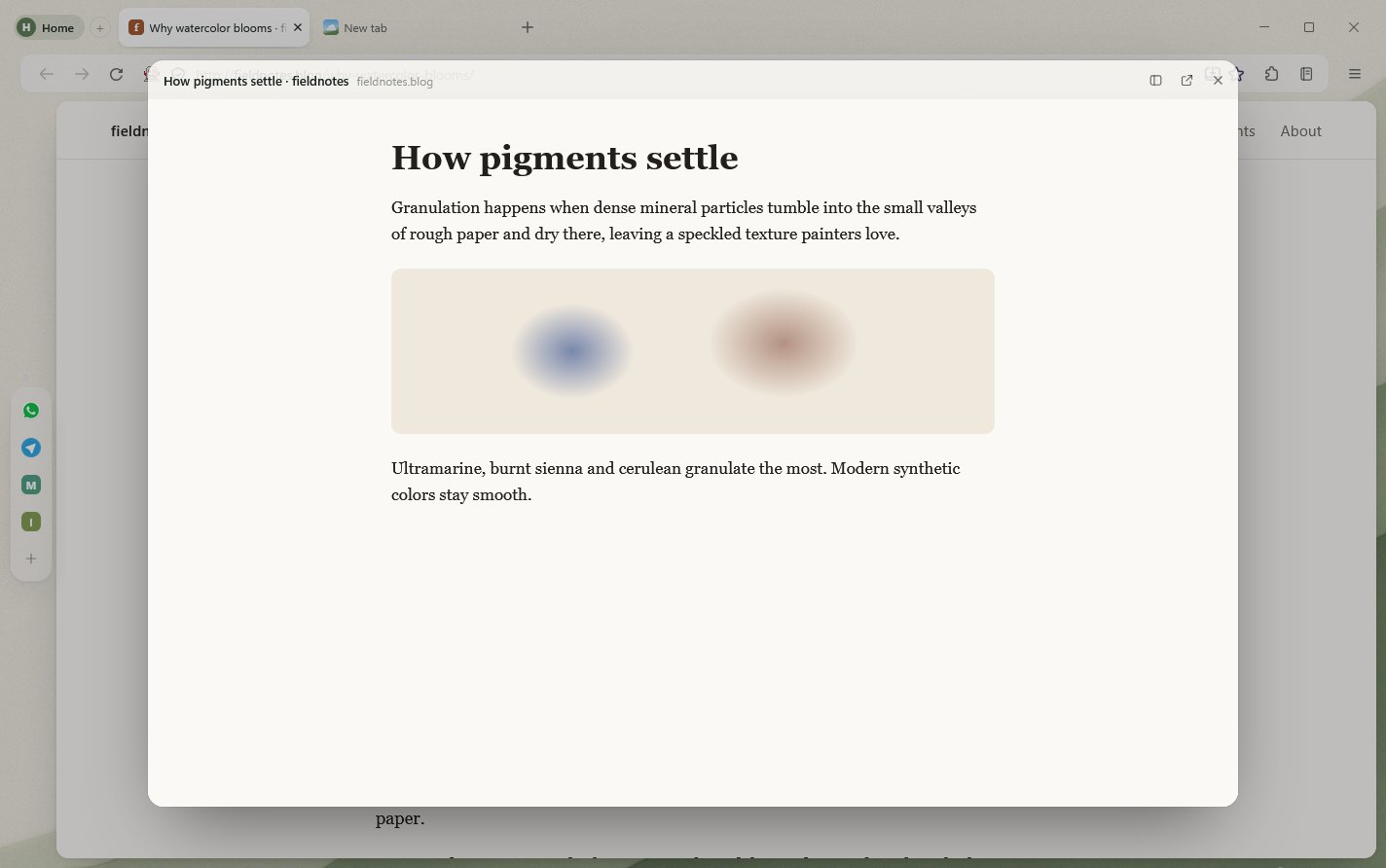
Peek at a link without leaving the page.
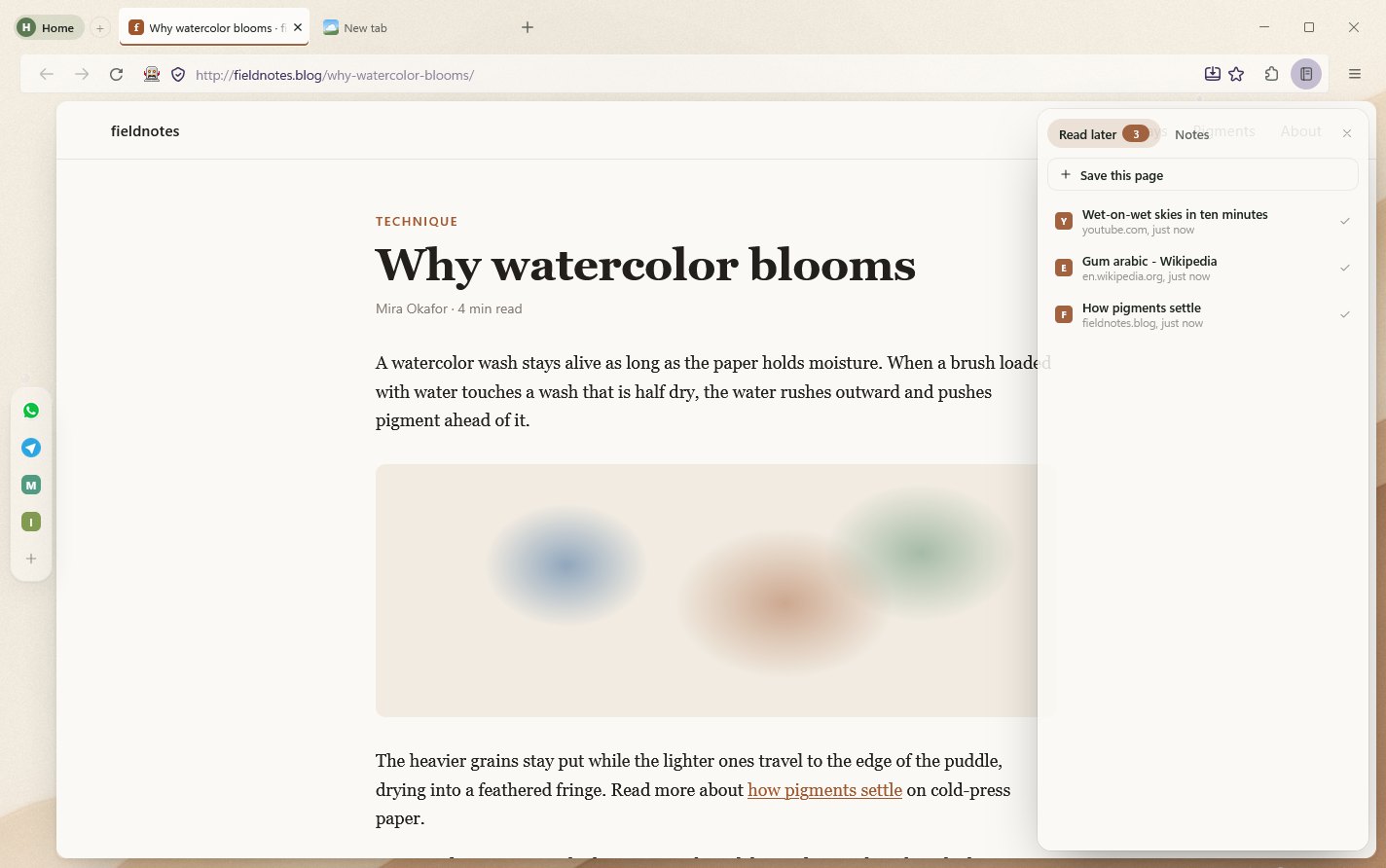
Alt+click a link and it opens in a card over the page you're reading. Close it to carry on, or keep it as a tab.
Shown in Sand
A notebook beside every page.
Ctrl+Shift+L opens a notebook with pages you've saved to read later and quick notes that are still there tomorrow.
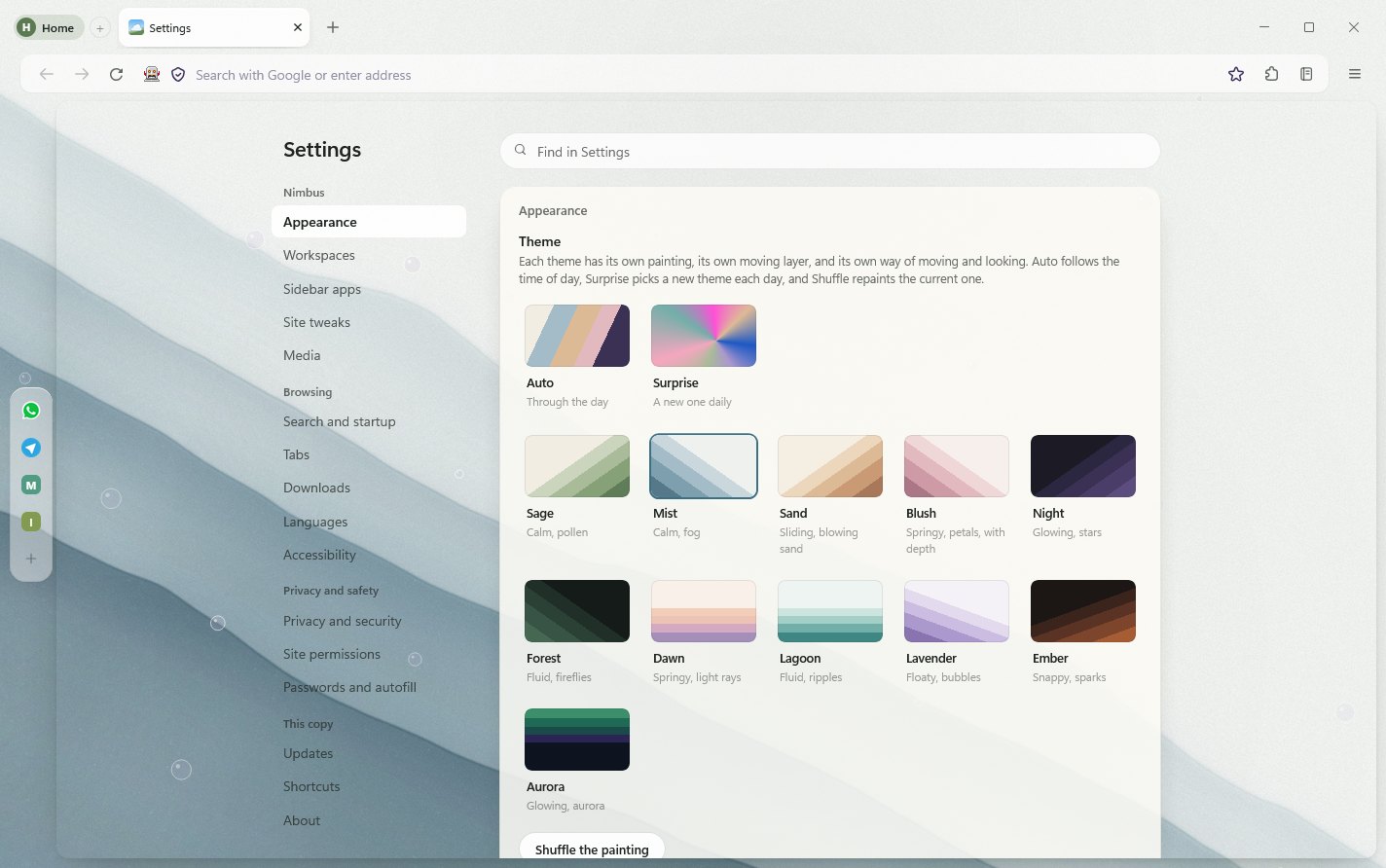
Shown in Mist
All your settings on one page.
Themes, workspaces, privacy, passwords and downloads, on one page you can search.
Eighteen paintings to browse on.
Eleven light and seven dark, and each one moves a little. Seven are glass, not watercolor. Pick one, let it follow the time of day, or have Nimbus choose a new one every morning.
Sage Calm, with drifting pollen
Mist Calm, with fog
Sand Sliding, with blowing sand
Blush Springy, with petals
Dawn Gentle, with morning light
Lagoon Fluid, with ripples
Lavender Floaty, with bubbles
Coral Springy, with sunlight
Opal Floaty, with soft lights
Frost Quiet, with droplets
Iris Bright, with a glossy drop
Night Glowing, with stars
Forest Fluid, with fireflies
Ember Snappy, with sparks
Aurora Glowing, with curtains of light
Nebula Liquid, with drifting glows
Cobalt Fluid, with rippling light
Obsidian Dark, with curls of smoke
Each workspace can have its own painting, and Shuffle repaints the one you're on.
Also built in.
Workspaces Separate sets of tabs for home, study and work, each with its own painting. Alt+1, Alt+2 and so on switch between them.
Pinned apps WhatsApp, Telegram and other web apps, one click away at the side of the window.
Ad blocking Ads and trackers are blocked without an extension. Turn it off for a site with one switch.
One player Whatever is playing, in a tab or in another app, controlled from one place. Ctrl+Shift+M.
Split view and tab groups Two pages side by side in one window, and tabs grouped the way you think.
Hide what bothers you Right-click a banner or a pop-up and choose Hide this. It stays hidden on that site.
Mouse gestures Hold the right button and draw to go back or forward, open or close a tab, or reload.
Downloads page Progress, pause, resume and search for everything you download. Ctrl+J.
Bring your stuff Import bookmarks and passwords from Chrome, Edge, Brave and others the first time you open Nimbus.
Clock on the new tab Seven styles — Thin, Glass, Daylight, Weight, Wet ink, Words and Regulator — each taking its colors from the theme. Turn it on in Settings, Appearance.
Firefox add-ons Nimbus runs on Firefox, so the add-ons you know install and work as they are.
Tabs that share memory Tabs of the same site run in one process and share its code, styles, fonts and images. In one test, Nimbus used 1,879 MB with five YouTube tabs open, against 2,337 MB with Firefox's way of spreading a site over up to 4 processes. Settings, Tabs has the switch, a memory-by-site list and a Sleep button for background tabs.
A start with no black window The first time you open Nimbus, its logo rises over the Sage painting. After that it opens straight onto your last painting, with a soft outline of the window.
Questions.
Is Nimbus free?
Yes. There's no account to make and nothing to pay for.
Is it really Firefox underneath?
Yes. Nimbus is built on Mozilla Firefox, so pages work the way they do in Firefox and Firefox add-ons install as usual. Nimbus changes how the browser looks and adds its own features on top.
Why does Windows warn me about the installer?
The installer isn't code-signed yet, so Windows may say it's from an unknown publisher. Choose More info, then Run anyway.
How does Nimbus update?
It checks for a newer version once a day and tells you when there is one. Nothing installs until you say so. You can also check right away from Settings, Updates.
Can I bring my bookmarks and passwords?
Yes. The first time you open Nimbus it offers to import them from Chrome, Edge, Brave and other browsers.
How do I remove Nimbus completely?
Uninstalling from Windows Settings keeps your history, passwords, tabs and settings, so installing it again picks up where you left off. To remove Nimbus and everything it keeps, open PowerShell and run:
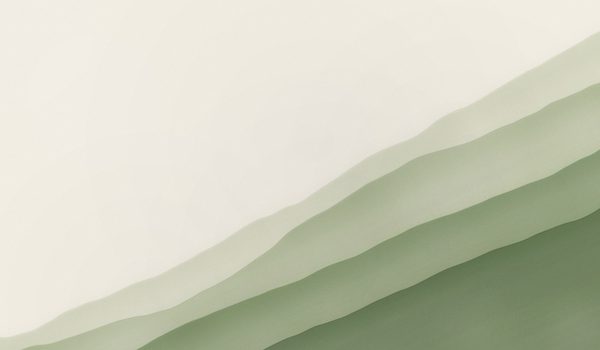 Sage Calm, with drifting pollen
 Mist Calm, with fog
 Sand Sliding, with blowing sand
 Blush Springy, with petals
 Dawn Gentle, with morning light
 Lagoon Fluid, with ripples
 Lavender Floaty, with bubbles
 Coral Springy, with sunlight
 Opal Floaty, with soft lights
 Frost Quiet, with droplets
 Iris Bright, with a glossy drop
 Night Glowing, with stars
 Forest Fluid, with fireflies
 Ember Snappy, with sparks
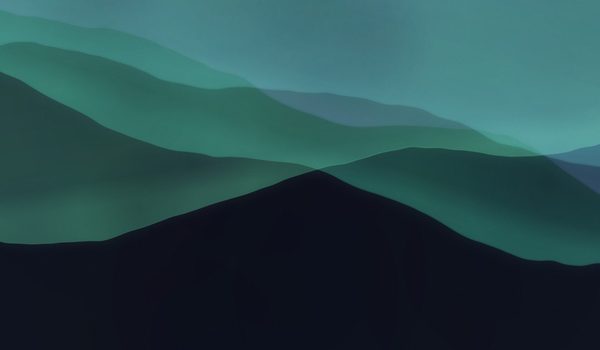 Aurora Glowing, with curtains of light
 Nebula Liquid, with drifting glows
 Cobalt Fluid, with rippling light
 Obsidian Dark, with curls of smoke