What did they say?
Press W. It jumps back ten seconds with subtitles on, then switches them off again once it catches up.
 Kaleido
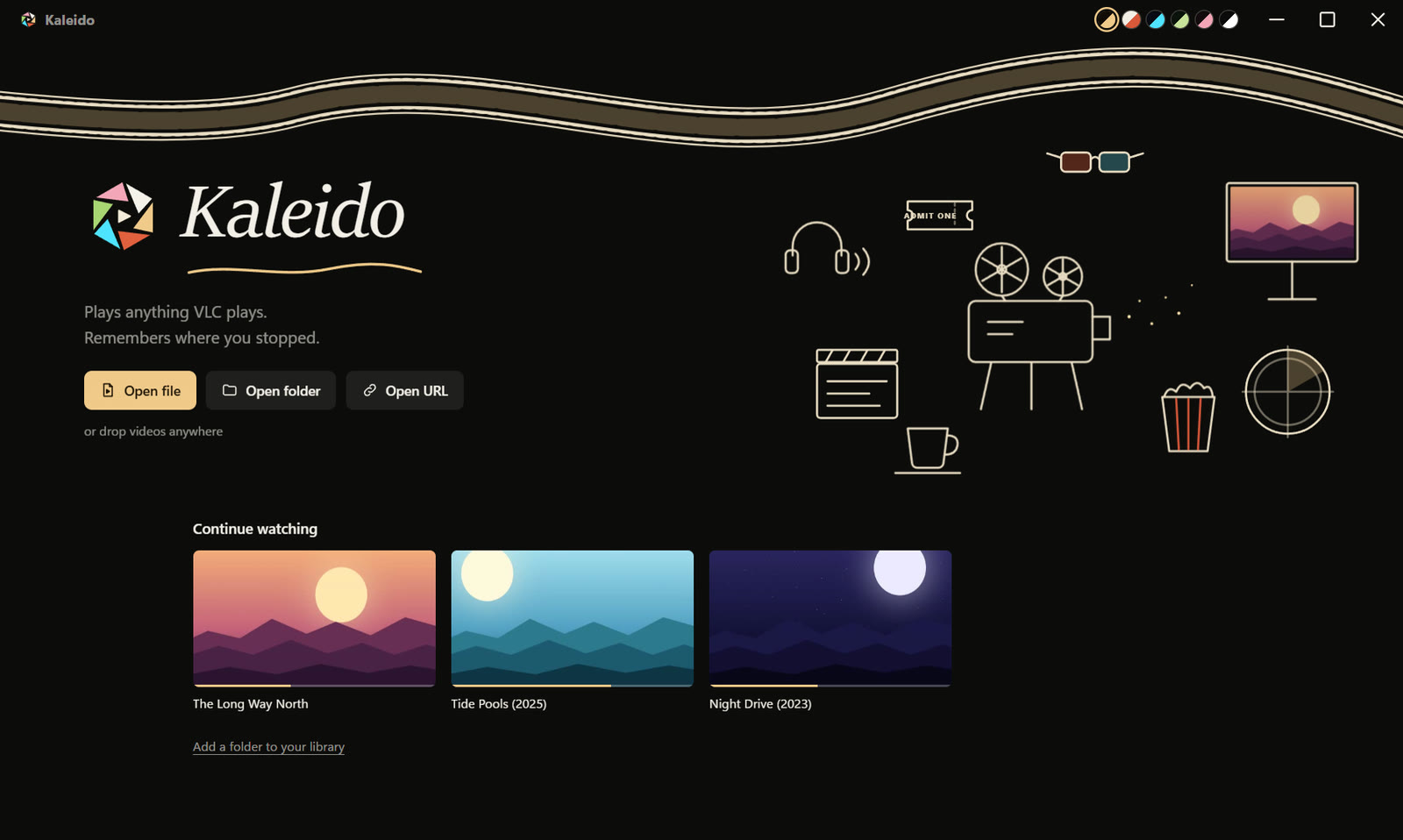
Plays anything VLC plays.
Remembers where you stopped.
Warms the room when you pause.
Free and open source for Windows, macOS and Linux. Every download
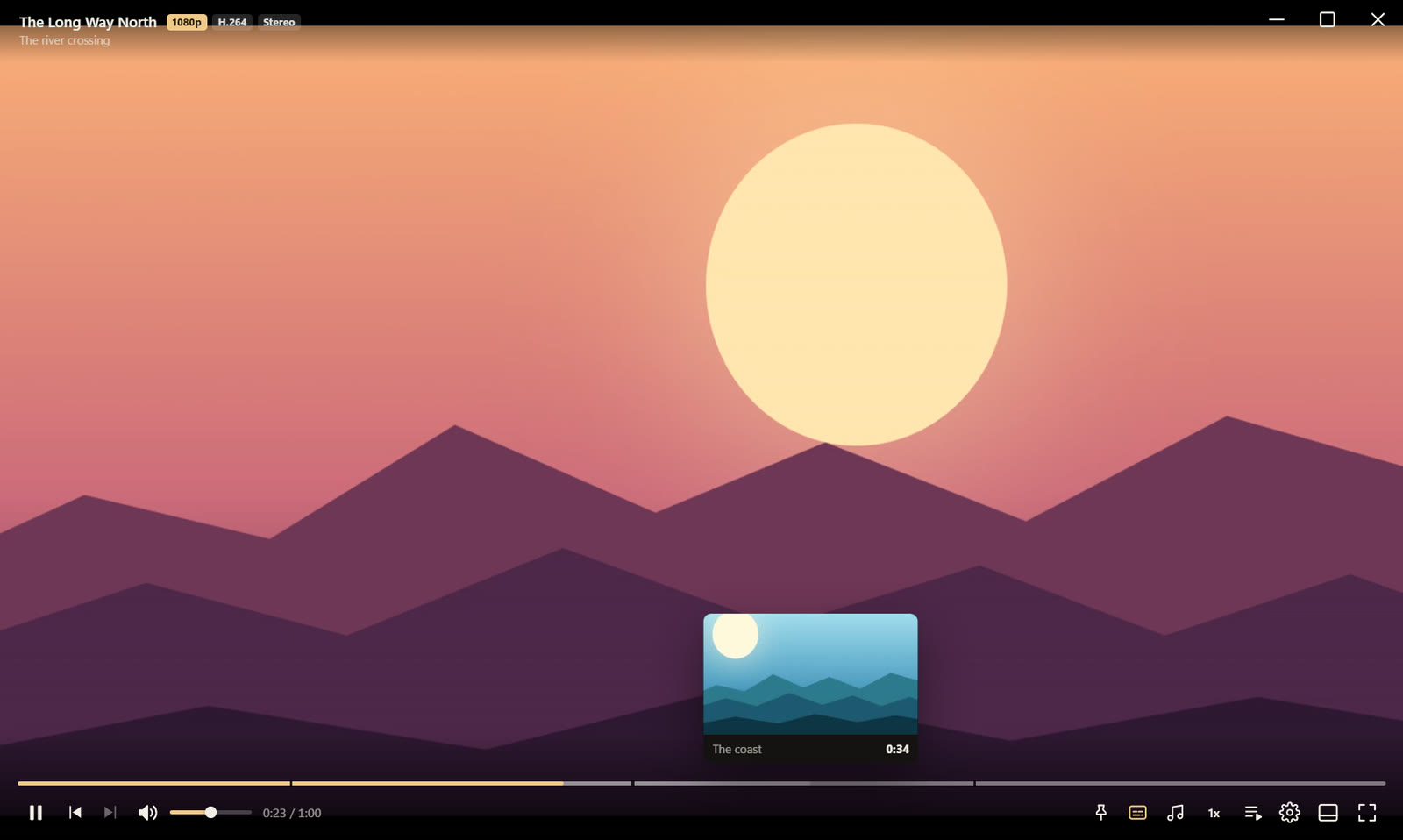
Ordinary controls that disappear while you watch. VLC underneath, so MKV, AVI, HEVC, AC3, DTS and the rest just play.
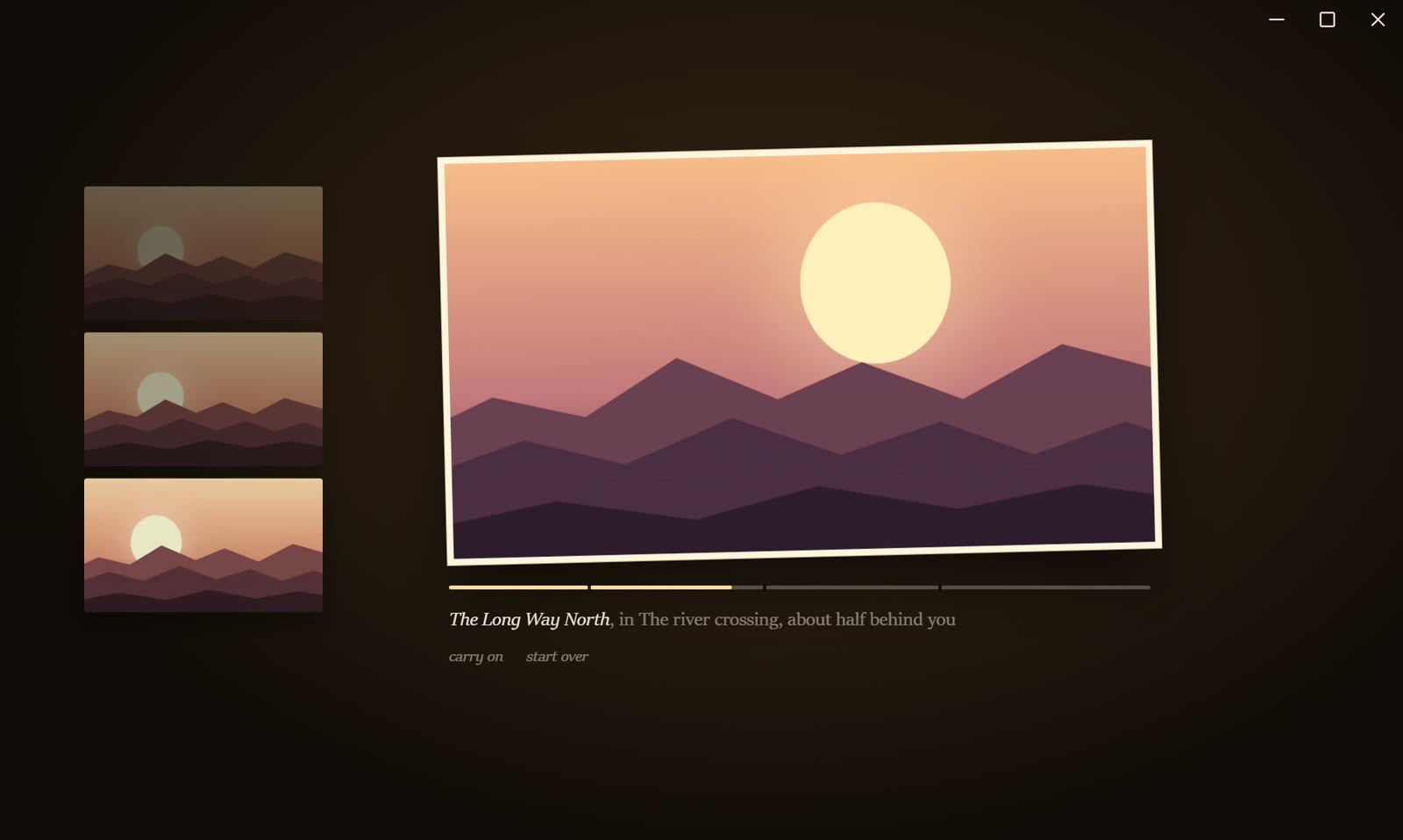
Every other player freezes a frame and puts a play button on top of it. Kaleido holds the picture like a photograph, crops the black bars away, and lays the last few moments you saw beside it. Click one to go back there.
VLC, mpv, PotPlayer, IINA and MPC don't do these.
Press W. It jumps back ten seconds with subtitles on, then switches them off again once it catches up.
Press / and type a word. Every line where somebody says it, with a time beside it. Click to go there.
Pick Japanese audio and English subtitles once. Every file in that folder starts the same way.
Lectures and recordings lose their dead air. Long quiet stretches are jumped over as they come.
Loop a part with X, press C. It becomes a frame accurate mp4. No loop? It keeps the last 30 seconds.
Walk away and the film waits. When you come back, it tells you where you are.
Pick one. This page changes with it, just like the app.
Version 0.1.0. Free, open source, no account, no ads.
10 and 11, 64-bit
InstallerStart menu, Open with, uninstaller PortableOne file, runs from anywhereNot code signed yet, so SmartScreen may ask: choose More info, then Run anyway.
11 Big Sur or newer
Apple SiliconM1, M2, M3, M4 Macs IntelOlder MacsNot signed by Apple yet: the first time, right click Kaleido in Applications and choose Open.
64-bit
.debUbuntu, Debian, Mint, Pop AppImageAny distributionUses your system's VLC. The .deb installs it for you; for the AppImage run sudo apt install vlc first.
VLC and FFmpeg come inside the Windows and Mac downloads, so nothing else needs installing. Source on GitHub